How it works
Three ways to run your appointment book, and who each suits
Book everything yourself, approve each request, or let patients book and pay outright. The trade-offs are real, and you can mix them per appointment type.
By Stephen Thomas · · 5 min read
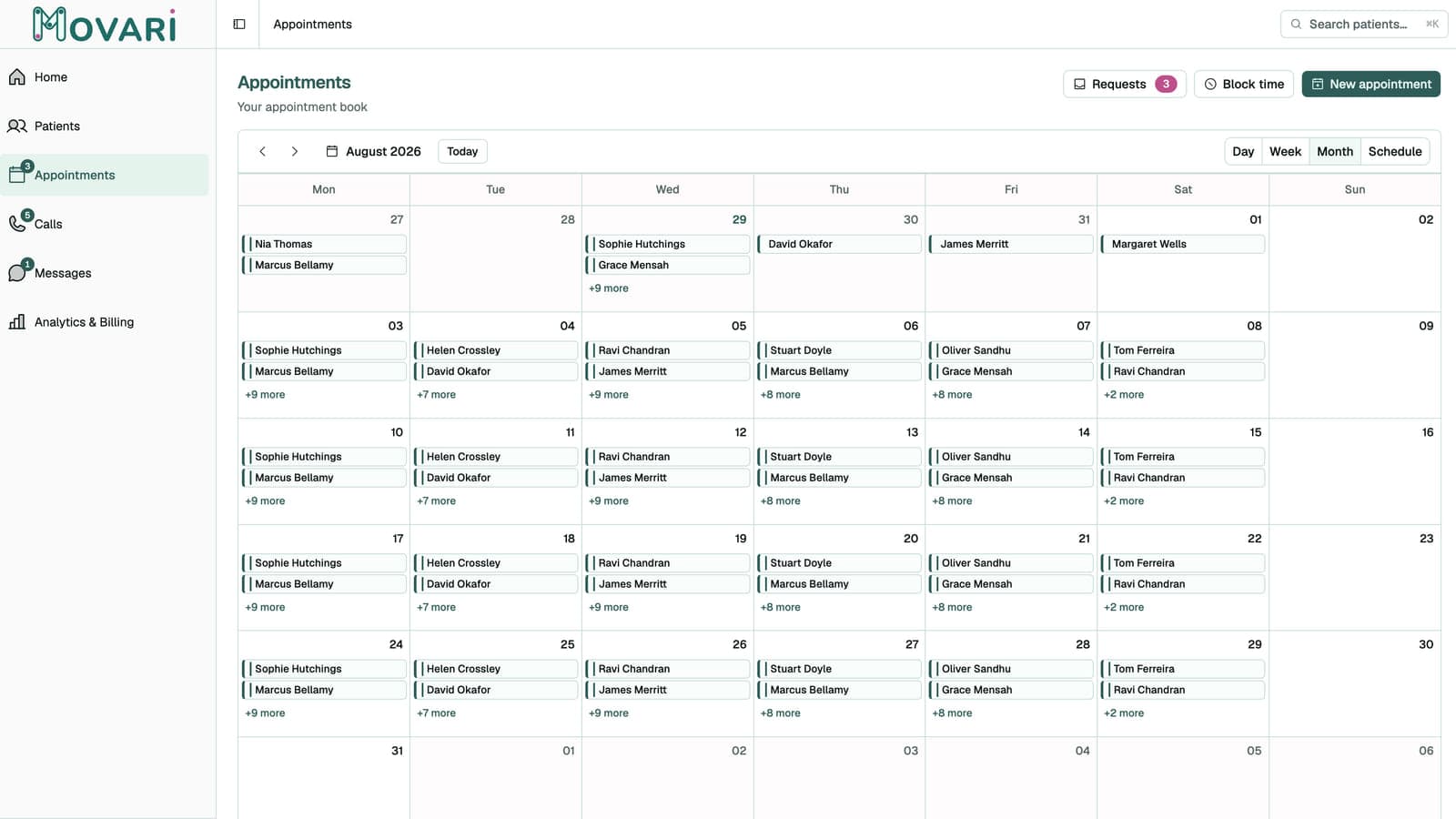
Online booking is one of those features that sounds like a straightforward yes until you turn it on and discover it has opinions about how you work.
Movari gives you three arrangements. They are not tiers and they do not cost different amounts: they are genuinely different working models, and the right one depends on how full your book is and how much you trust a stranger with your Tuesday.
One: you book everything yourself
Online booking off. Patients ring, message or email; you put them in the diary.
This is the default, and it is not the beginner option. Plenty of established practices should stay here permanently, because when your book is nearly full the scarce resource is not booking convenience: it is the right patient in the right slot, and you are much better at that judgement than a form is.
It suits you if you triage on the phone before offering a time, if your appointment lengths depend on what is wrong, or if you are mobile and geography decides what is bookable.
The cost is obvious: you are the bottleneck, and enquiries that arrive at nine on a Sunday wait for you. Movari softens that (the practice number takes a voicemail and gives you a transcript and summary, and patient messages from WhatsApp, Instagram and Messenger land in one inbox), but you are still the one booking it.
Two: patients request, you approve
Online booking on, booking type set to Request.
You publish a booking link. The patient picks from slots that are genuinely free (the page works out availability from your working hours, minus existing appointments, minus blocked time, minus other live requests) and submits. It arrives in a Requests inbox, and nothing touches your diary until you say so.
This is the arrangement most solo physios should start with, for a reason that is easy to miss: a request is not a booking, so nothing can go wrong that you cannot see first. The request sits in quarantine. You confirm it, and only then does an appointment exist.
That quarantine is where the useful work happens. You see their note before deciding. You catch the person who has booked a 30-minute follow-up for what is obviously a new problem. If they are an existing patient, Movari suggests the match so the booking attaches to the right record rather than creating a duplicate, and you can override the suggestion if it has guessed wrong.
The cost is that it is not instant for the patient. They submit and wait. If you clear the inbox twice a day that is a perfectly good experience; if you leave it three days it is worse than not offering online booking at all.
Three: patients book and pay, confirmed automatically
Online booking on, booking type set to Instant.
The patient picks a slot, pays at the point of booking, and the appointment is confirmed without you touching it. You find out because it is in your diary.
Two things are worth knowing before you reach for this.
Instant always takes payment. There is no version where a booking auto-confirms without a card. That is deliberate: the thing that makes unattended booking safe is that the person has committed something. It also means Instant requires your Stripe account to be connected and ready.
You are trusting the form. Nobody reads the note before the slot is taken. For a straightforward follow-up with an existing patient that is exactly right and removes a pointless round trip. For a first assessment where you need to know what you are dealing with, it is a worse fit.
You do not have to pick one
This is the part people miss, and it is the actual answer for most practices.
The setting is a default, and any individual appointment type can override it. So a realistic configuration is:
Follow-up · 30 min · £45→ Instant. Existing patients, known quantity, paid up front, no admin.New patient assessment · 60 min · £70→ Request. You want to read the note and decide.Home visit · 75 min · £70→ Request. You need the address, and the form cannot capture one.
Now the routine stuff books itself and the appointments that need judgement still get it.
The settings that actually matter
Four are worth thinking about rather than leaving at the default:
Minimum notice (default 24 hours): how close to now someone can book. Too short and you get a booking for 40 minutes' time while you are with a patient. Mobile practices generally want this longer.
Maximum advance (default 60 days): how far ahead. Long horizons produce more cancellations.
Slot granularity (default 15 minutes): whether slots start on the hour, the quarter, and so on. Coarser granularity gives a tidier diary; finer fills gaps better.
Working hours: the foundation of everything above. Note that these constrain patients, not you. Your own bookings are unconstrained, so you can always add a Saturday morning for someone without opening Saturday to the world.
An honest recommendation
Start at Request. Run it for a month and watch what actually arrives.
If almost every request is one you would have approved anyway, move your follow-up types to Instant and keep assessments on Request. If a meaningful fraction need a conversation first, stay where you are: the ten seconds you spend confirming is buying you something real.
The failure mode to avoid is turning on Instant everywhere because it sounds the most modern, then spending your week ringing people to rearrange appointments they should never have been able to book.
This is all handled for you on Movari.
Request early access